You want to plan a vacation. You need to know how many PTO days you'll have available by then. Your HR portal shows a balance — but is it accurate? Does it account for time you've already requested?
Here's how to calculate your PTO balance yourself.
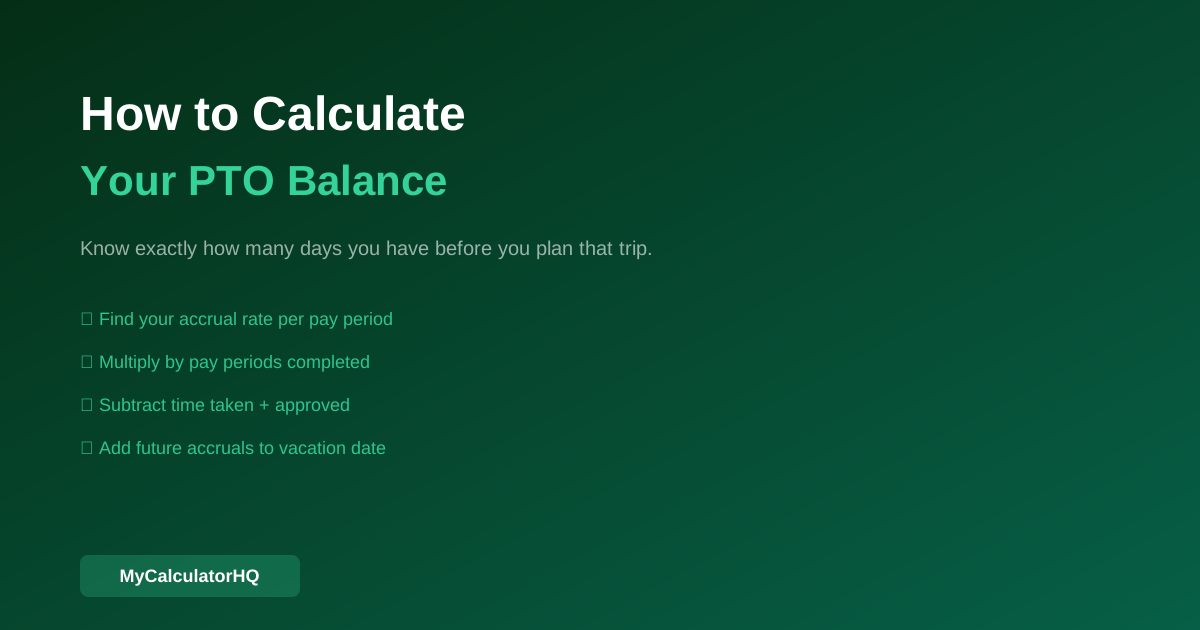
Step 1: Know Your Accrual Rate
If you have an accrual-based policy, find your annual PTO allowance and divide by your pay periods:
- Weekly pay (52 periods): Annual PTO ÷ 52
- Biweekly pay (26 periods): Annual PTO ÷ 26
- Semimonthly pay (24 periods): Annual PTO ÷ 24
- Monthly pay (12 periods): Annual PTO ÷ 12
Example: 120 hours annual PTO, biweekly pay:
120 ÷ 26 = 4.615 hours per pay period
Step 2: Calculate Accrued PTO to Date
Count the number of pay periods that have passed since your PTO reset (usually January 1 or your work anniversary).
Example: You started the year with 0 balance (accrual policy), it's now June 13, and you're paid biweekly. That's approximately 12 pay periods.
Accrued to date: 12 × 4.615 = 55.38 hours ≈ 6.9 days
Step 3: Subtract Time Already Used or Scheduled
From your accrued balance, subtract:
- PTO already taken this year
- PTO already approved and scheduled
Example: You took 3 days in March and have 2 days approved for July.
6.9 days accrued - 3 days taken - 2 days scheduled = 1.9 days currently free
Step 4: Add Future Accruals
If you're planning ahead, add the PTO you'll earn between now and when you want to take time off.
Example: Your vacation is in October, 9 pay periods away.
Future accrual: 9 × 4.615 = 41.5 hours ≈ 5.2 days
Total available by October: 1.9 + 5.2 = 7.1 days
Step 5: Account for Carryover (If Applicable)
If you had PTO carried over from last year, add that to your starting balance. Most HR systems include this, but it's worth verifying.
Common Mistakes in PTO Calculations
Forgetting about approved-but-not-taken time: Your balance might show 8 days, but if 3 are already approved for a future date, you only have 5 available for new requests.
Not accounting for partial days: Many systems track in hours. A 6-hour workday used as PTO counts as 6 hours, not 8 — leaving you 2 PTO hours you didn't spend.
Ignoring the accrual cutoff: Some policies stop accruing once you hit a cap (e.g., 1.5× your annual allowance). If you're at the cap, you're not earning more until you use some.
End-of-year timing: If your policy is use-it-or-lose-it, plan carefully in November and December. Unused days that expire represent real monetary value lost.
Track your exact PTO balance with our PTO Calculator — enter your accrual rate and see your running balance.
Common Questions
Frequently Asked Questions
Calculators Mentioned in This Article
Related Articles

Annual Salary to Hourly, Daily, Weekly: The Complete Conversion Guide

$50,000 vs. $100,000 Salary: What's the Real Difference After Taxes?
Why Your Paycheck Is Always Less Than You Expect — Taxes Explained Simply
Get calculator tips
Weekly guides. No spam. Free forever.
You're in! Check your inbox.